Introducing Chromatic for Vitest Browser Mode
Visual testing for Vitest Browser Mode, built for teams

Vitest Browser Mode was created to test your components using real browsers. It's perfect for UI components, which often depend on browser APIs and specific rendering details.
Even better than testing how a component renders in a real browser, is testing how it looks in a real browser. Which is why I’m excited to bring Chromatic to Vitest. The plugin adds cloud-based visual testing to your tests, with no changes to your test code.
Chromatic for Vitest was created by Ari Perkkiö, one of Vitest’s core maintainers, who’s a member of our open source team.
Why visual test components?
For UI components, visual testing offers the highest ratio of coverage to effort of any testing type. Without writing any additional testing code, you can assert every single visual attribute of a component: colors, typography, layout, shadows, etc.
Because the output is a snapshot of the visual render of your component, it also helps the review process. You’re reviewing exactly how the end user will experience the change.
Vitest’s built-in visual testing
Vitest’s Browser Mode offers a built-in API to add visual regression testing to tests. It works by comparing screenshots of the rendered component whenever toMatchScreenshot is called inside of a test. It then stores those screenshots (the baseline, the current result, and the generated diff) in your repo. To accept new baselines, you must run the tests again with the --update flag.
Vitest’s visual testing docs list common issues, such as font rendering inconsistency, flaky tests from network issues and animations, and the difficulty of using it with a team. Chromatic’s cloud-based testing addresses all of these.
Here’s an at a glance comparison between Vitest’s built-in visual testing and Chromatic’s plugin:
| Comparison | Built-in Vitest visual testing | Chromatic Vitest plugin |
|---|---|---|
| Requires Browser Mode | Yes | Yes |
| Storage | In your repo | ✅ In cloud |
| Browser environment | Unique to every setup | ✅ Stable cloud environment |
| Requires test code changes | Yes | ✅ No |
| Reproductions | Static screenshot | ✅ Static screenshot & inspectable live component |
| Diff review | Terminal, CI logs, PR checks | ✅ PR checks, dedicated web app |
| Best for | Solo developers, small libraries | ✅ Teams with production apps, design systems |
Chromatic’s Vitest plugin
Chromatic’s plugin works differently, which provides some key benefits. The testing workflow goes like this:
Run your Vitest Browser Mode tests as normal
As they run, the Chromatic plugin will automatically, with zero test code changes, capture a web archive of the result at the end of a test. This archive contains everything necessary to render that result: HTML, CSS, JS, and static assets.
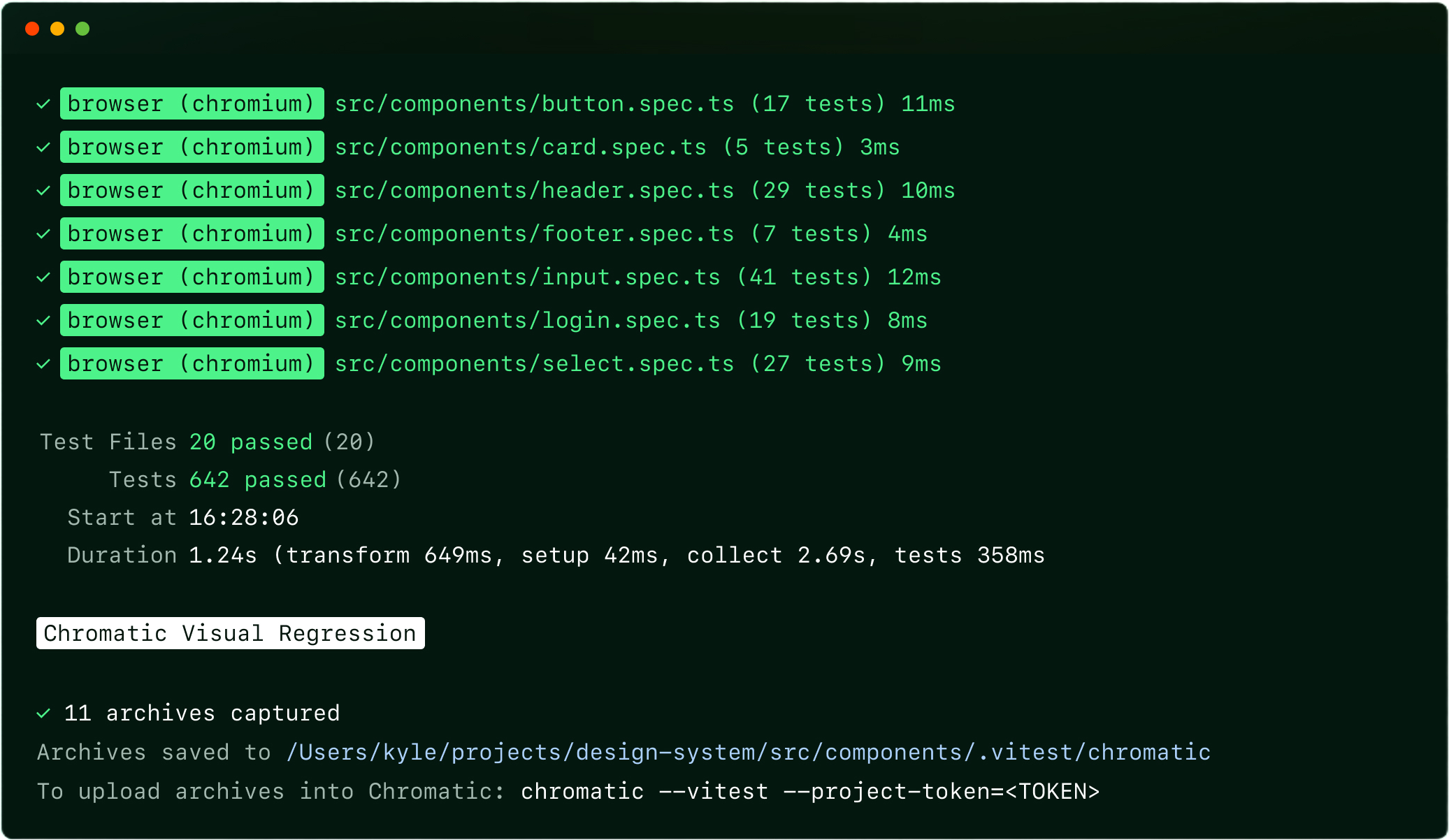
You can disable the automatic capture and you can also capture arbitrary points during a test:
// Accordion.test.ts
import { test, expect } from 'vitest';
import { page } from 'vitest/browser';
import { render } from 'vitest-browser-react';
import { takeSnapshot } from '@chromatic-com/vitest';

import { Accordion } from '../src/components/Accordion';

test('can open accordion', async () => {
  await render(
    <Accordion header="Shipping details">
      Ships within 3 business days
    </Accordion>
  );

  await takeSnapshot('closed'); // 👈 Snapshot an intermediate state

  const toggle = page.getByRole('button', { name: 'Shipping details' });
  await toggle.click();

  const content = page.getByText('Ships within 3 business days');
  await expect.element(content).toBeInTheDocument();

  // ✴️ Chromatic automatically captures the state at end of test
});
Run Chromatic
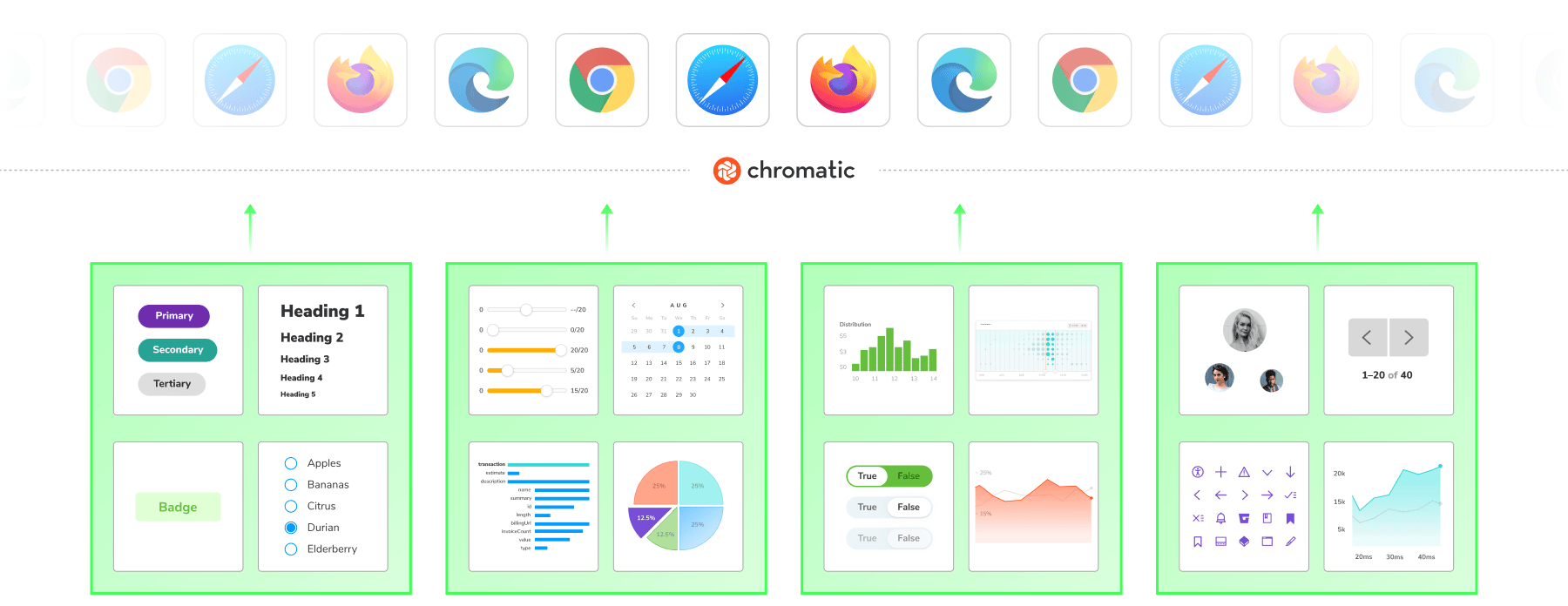
After running the tests, running Chromatic will upload those captured archives to the cloud where the visual testing is performed.
Review
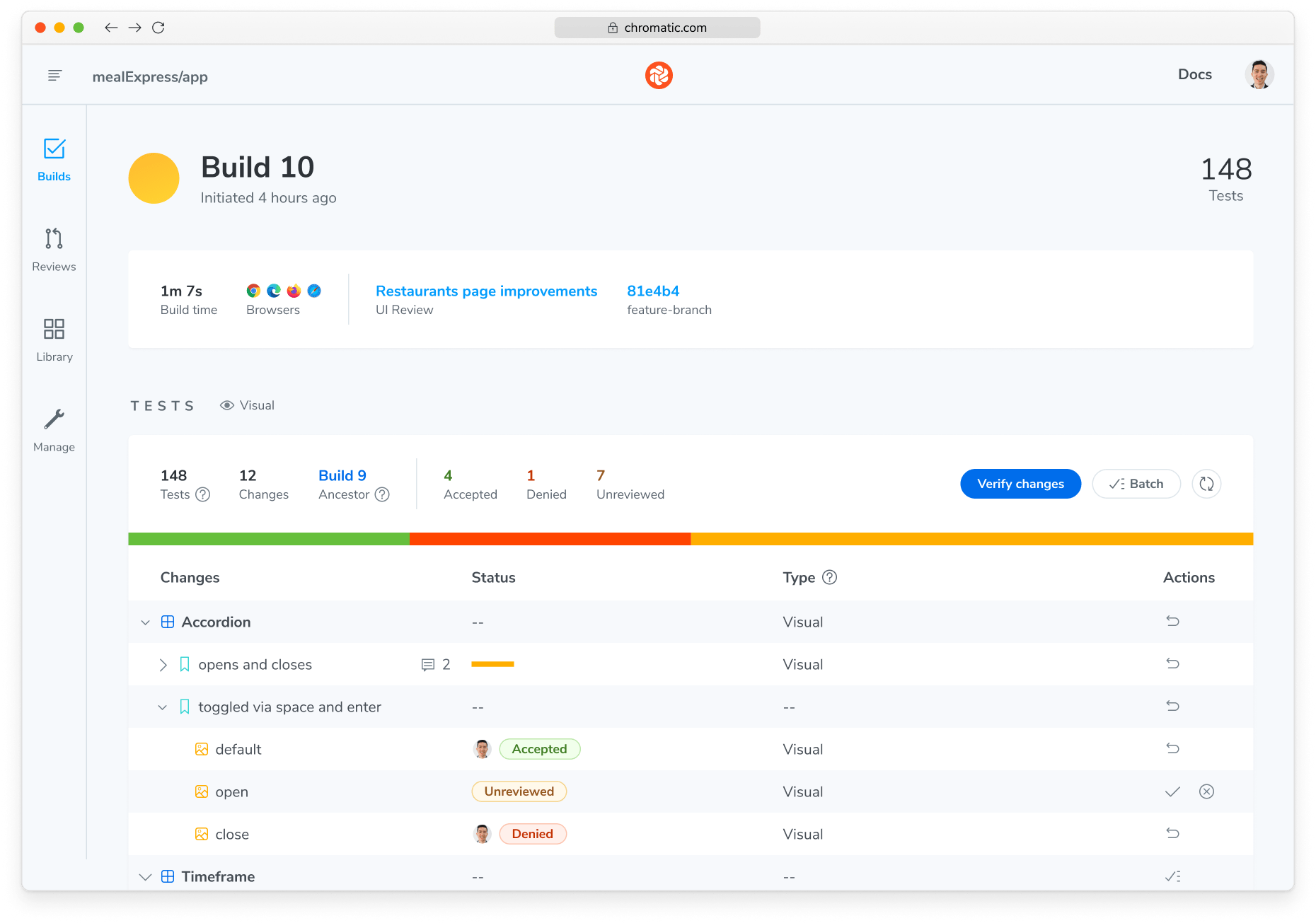
When the visual tests finish, you’re notified of the result. In the CLI, when running locally, and as a PR status check when configured in CI.
Chromatic's web app lets every collaborator review changes easily. They can leave comments that need addressed or approve to set a new baseline.
Benefits of Chromatic
Our approach to visual testing makes Chromatic the right fit for bigger projects and teams.
Fast, specialized cloud
Chromatic takes screenshots in our cloud environment built for reliability, speed, and consistency. Visual tests are run in parallel, so you don’t have to wait for one test to finish before the next can start.
Reduced flake
The standardized environment also handles all of the tricky elements of visual testing, like the OS, browser, fonts, animations, and viewports. For any remaining potential flake, Chromatic will detect it with SteadySnap and stabilize the result automatically.
Efficient usage
You can use TurboSnap to improve the efficiency of your visual tests. It works by analyzing the module graph of your project to determine which components are actually affected by your change, and therefore, which tests need visually tested.
Better debugging
Because Chromatic captures full web archives, you can debug the exact point of a test failure with your real component code running in a browser, not just a static screenshot.
Get started
1. Create a Vitest project on Chromatic
Take note of the project token. You’ll need that later.
2. Install the plugin
npm install --save-dev @chromatic-com/vitest3. Register the plugin in your Vitest configuration
// vitest.config.ts
import { defineConfig } from 'vitest/config';
import { playwright } from '@vitest/browser-playwright';
+ import { chromaticPlugin } from '@chromatic-com/vitest/plugin';

export default defineConfig({
+ plugins: [chromaticPlugin()],
  test: {
    // Your existing browser mode configuration, https://vitest.dev/guide/browser/#configuration
    browser: {
      provider: playwright(),
      enabled: true,
      instances: [{ browser: 'chromium' }],
    },
  },
});
4. Run your Vitest tests
Just as you did before.
npx vitest run
5. Run Chromatic
Using the token from step 1.
npx chromatic --vitest -t=<PROJECT_TOKEN>
6. Review the results
When the visual tests are done, the CLI will provide a link you can use to review the result.
Now you’re using Chromatic!
Read the documentation to learn more about the plugin, including CI setup details and the full configuration API.
Start visually testing with Chromatic and Vitest
Your components are already tested in a real browser with Vitest Browser Mode. Now they're visually tested there too, with no test code changes, no screenshots cluttering your repo, and a review flow your whole team can actually use. Install the plugin, run your tests, and see your first build in minutes.
Start your first free Vitest visual test runFAQ
How is Browser Mode different from traditional Vitest testing?
Both Vitest’s own visual testing and Chromatic’s plugin only work with Browser Mode.
Traditional unit/integration tests run in node, using a simulated browser environment like jsdom or happydom. Because they’re simulations, they must either mock or omit many browser APIs. When your component depends on those APIs, you’re stuck mocking them out.
Browser Mode component tests run in a real browser, so there’s no need to fake anything. That makes your tests both higher fidelity and easier to write.
Because they spin up a browser to run, they are slightly slower than node tests. But we find that to be a more than worthy trade-off for their benefits.
Is this related to Storybook at all?
No. Chromatic can be used with both Storybook and Vitest Browser Mode, and the integrations are entirely separate.