Introducing published Storybook MCP servers
Give your entire organization access to a shared MCP instance. Chromatic manages publishing, authentication, and versioning, enabling AI agents to produce higher-quality code.

AI coding is here to stay. But it comes with challenges.
Without proper context, agents produce un-mergeable code with render errors, visual bugs, and hallucinated APIs. Storybook MCP server improves code quality by equipping coding agents with better context and allowing them to self-correct using Storybook's testing tools.
Chromatic now allows you to publish your Storybook MCP servers. By publishing your Storybook MCP server, it becomes a shared resource, enabling your entire organization to connect their agents to the same validated context.
What is Storybook MCP?
Ask an LLM to build a landing page and you'll get the same uninspiring output: Inter font, purple gradients, and minimal animations. That’s because these models predict based on patterns in their training data. Without proper direction, they often sample from the high-probability center, leading to "safe choices" that lack personality.
Storybook MCP provides agents with project-specific context for your components. It compiles extensive information about your frontend, including APIs, stories, usage patterns, and component tests. By offering this context, agents can generate code that aligns more closely with your system.
Storybook MCP also gives agents access to Storybook's testing tools, allowing them to work iteratively and correct their own mistakes. Agents can run tests against generated components and receive feedback on render errors, test failures, and accessibility violations.
For the full details on how Storybook MCP works, including the improved context and self-healing test loop, check out the Storybook MCP announcement →
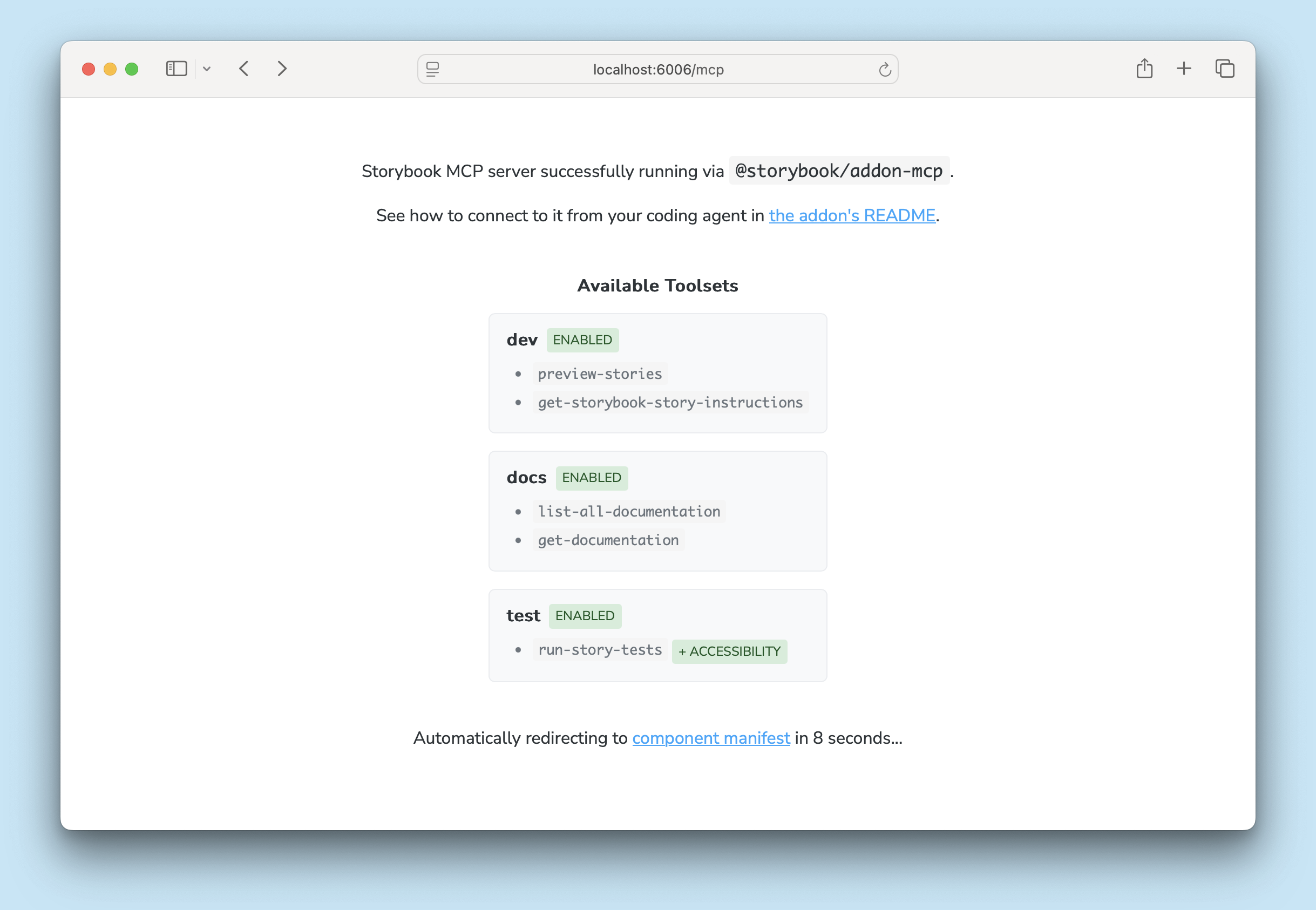
Publish an MCP server to share context with teams
When you publish an MCP server, you allow other teams to query it for context. For example, it’s useful for multiple product teams to consume a shared design system.
Easy setup
If you've enabled MCP for your Storybook, publishing it on Chromatic automatically exposes the MCP server at the /mcp endpoint. Developers on other teams connect their agent to the published MCP endpoint.
// .mcp.json
{
  "mcpServers": {
    "storybook-mcp": {
      "type": "http",
      "url": "https://<your-storybook>.chromatic.com/mcp"
    }
  }
}
Built-in authentication
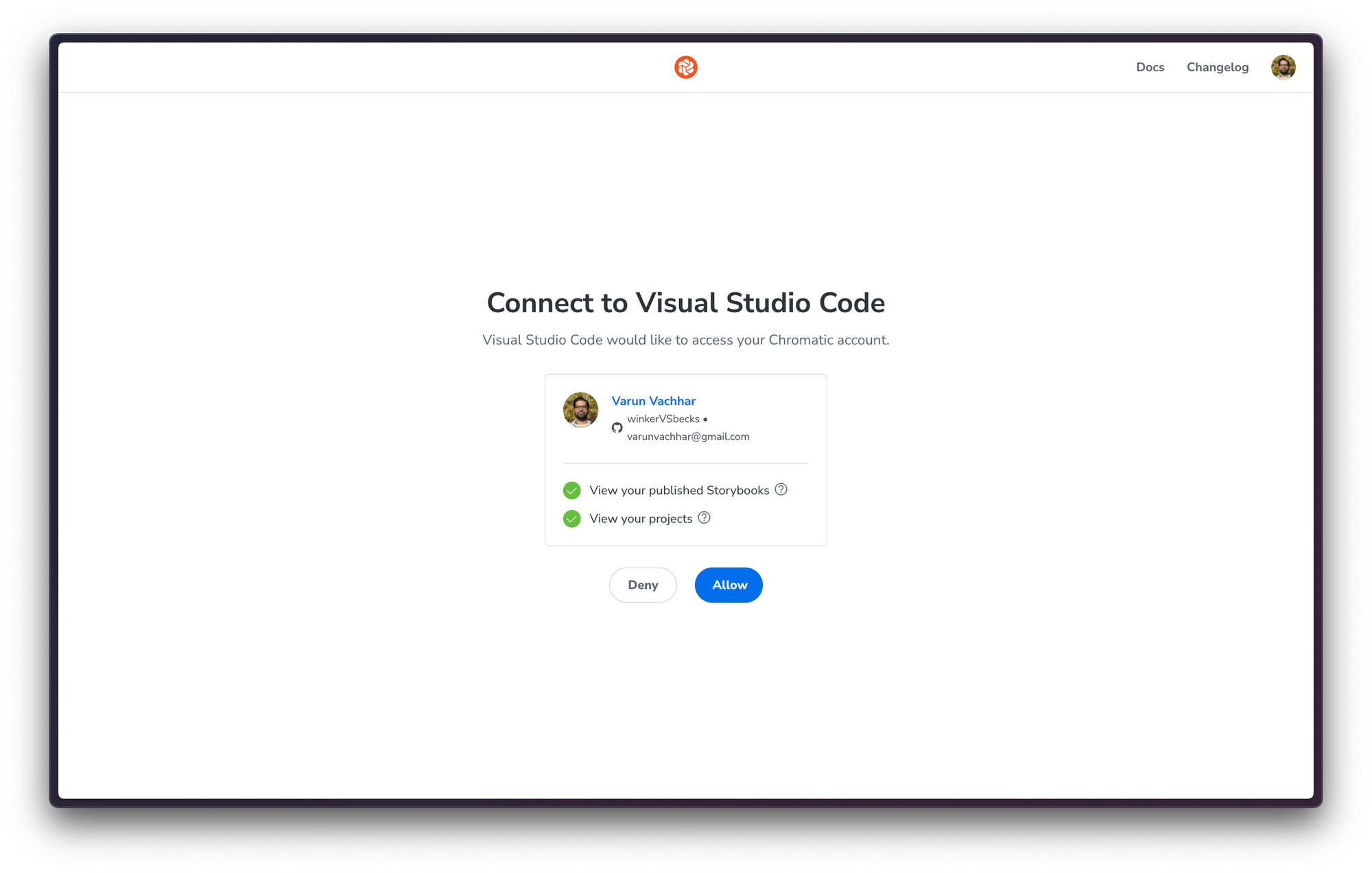
When enabling the MCP server, your team can authenticate using their existing Chromatic accounts.
Chromatic mirrors the permissions configured in your GitHub Organization, Bitbucket Group, or GitLab Team. Additionally, Chromatic offers SSO support on Enterprise plans. For more, check out our getting started guide.
Permalinks for version and branch-specific servers
Chromatic publishes an MCP server for every deployment of your Storybook. This is especially useful if your project supports multiple versions (design systems) or there are long-lived branches (research spikes).
Using permalinks, teams can direct agents to specific versions or branches:
https://<branch>--<appid>.chromatic.com/mcphttps://<commithash>--<appid>.chromatic.com/mcp

Compose multiple MCP servers together
Product teams often maintain their own components while using multiple design systems and component libraries. Configuring multiple MCP servers and trusting agents to select the right one is unpredictable.
With Storybook composition, you can merge a local Storybook MCP with various remotely published MCPs. This enables your agent to find and reference components from all composed Storybooks when generating UI.
[image]
Get started
Storybook MCP gives agents the context they need to work autonomously. Chromatic automatically publishes Storybook MCP for your organization.